
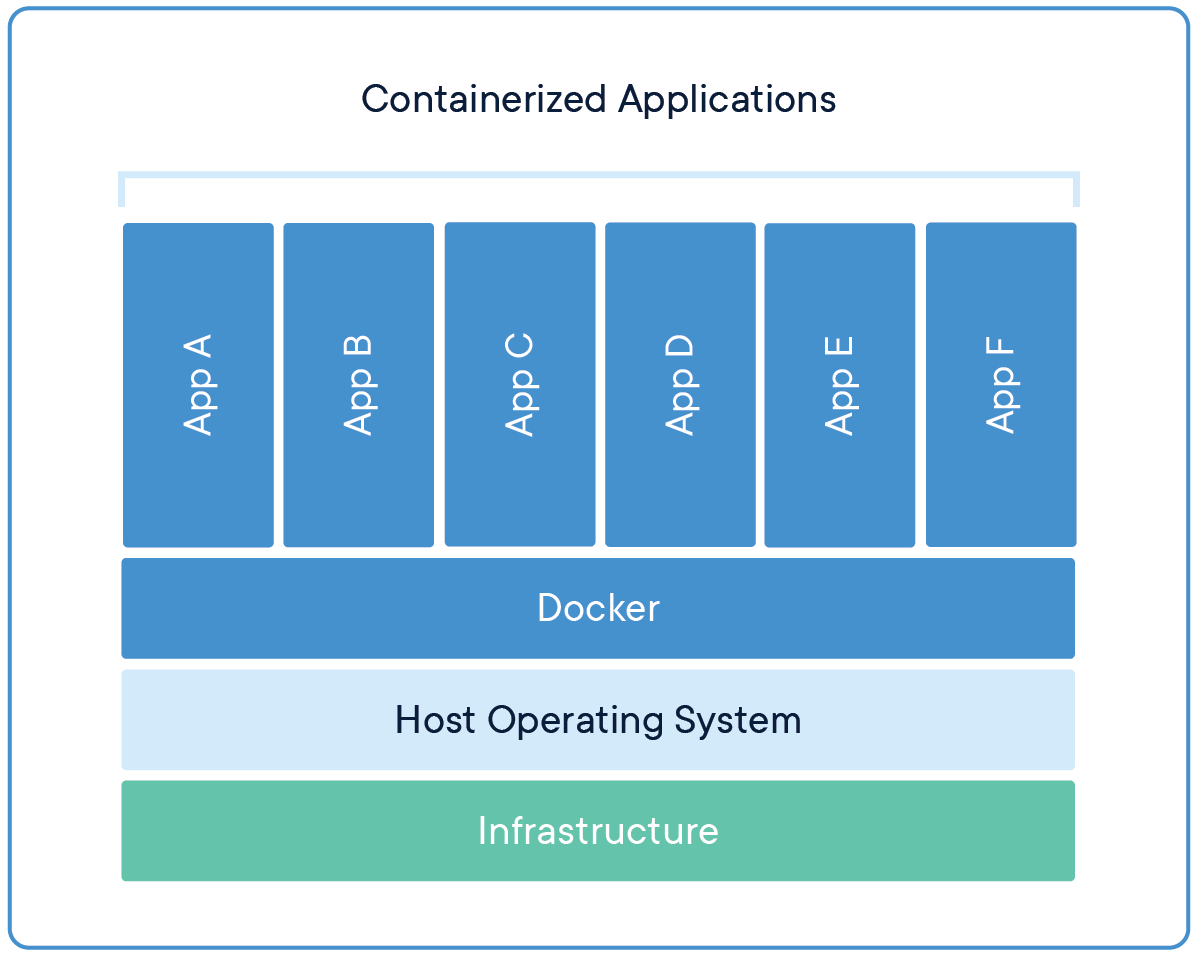
Docker is a platform and toolset that allows you to develop, deploy, and run applications using containers. Containers are lightweight, portable, and self-sufficient units that encapsulate an application and its dependencies, including libraries, runtime, and environment variables. Docker provides a way to package and distribute applications in a consistent and isolated manner across different environments, from development to production.
Here are some key concepts and components of Docker:
- Images: Docker images are templates that contain the necessary files and configurations to create a container. Images are created using a Dockerfile, which is a script that specifies the base image, application code, dependencies, and other configurations.
- Containers: Containers are instances of Docker images. They are isolated environments that run applications with their own file systems, processes, and network interfaces. Containers provide consistent behavior regardless of the host system.
- Docker Engine: The Docker Engine is the core component of Docker. It’s responsible for building, running, and managing containers. It includes the Docker daemon, which listens for Docker API requests, and the Docker client, which interacts with the daemon.
- Docker Hub: Docker Hub is a cloud-based registry where you can find and share Docker images. It’s a central repository for images, allowing developers to access and use pre-built images for various software and services.
- Docker Compose: Docker Compose is a tool for defining and managing multi-container applications. It uses a YAML file to specify the services, networks, and volumes that make up an application. This is particularly useful for complex applications with multiple interconnected containers.
- Docker Swarm and Kubernetes: Docker Swarm and Kubernetes are orchestration tools used to manage clusters of Docker containers. They provide features for scaling, load balancing, automatic deployment, and more, making it easier to manage large-scale containerized applications.
- Docker Volumes: Volumes allow you to persist data between container runs. They provide a way to store and manage data outside the container’s file system, which is particularly important for databases and other applications that require data storage.
- Networking: Docker provides various networking options to connect containers, expose ports, and manage communication between containers and external systems.
Benefits of using Docker include:
- Portability: Containers can run on any system that supports Docker, ensuring consistent behavior across different environments.
- Isolation: Containers provide isolated runtime environments, preventing conflicts between applications and dependencies.
- Efficiency: Containers share the host’s operating system kernel, which makes them more lightweight compared to traditional virtual machines.
- Speed: Containers can be spun up and down quickly, facilitating rapid development and deployment.
- Consistency: Docker images ensure that all environments, from development to production, are consistent and reproducible.
Overall, Docker has revolutionized the way software is developed, tested, and deployed by providing a powerful toolset for containerization and application management.


Leave a Reply